
Real-time planning directly in MS Power BI – with Writeback

Integrated system with intuitive use and management

Office Integration: Planning & Simulating from Excel etc.

Full planning functionality including data write-back

Commenting function, IBCS templates and easy collaboration

Modern business planning & secure decision-making

Scenario and value driver analyses, natural language queries with AI

Cost-efficient and flexible with proven planning content

Fast, efficient project implementation, high customer satisfaction

Fully integrated real-time planning in Power BI / Fabric with writeback to your performance management platform with PLAPP – the smartpm Planning App

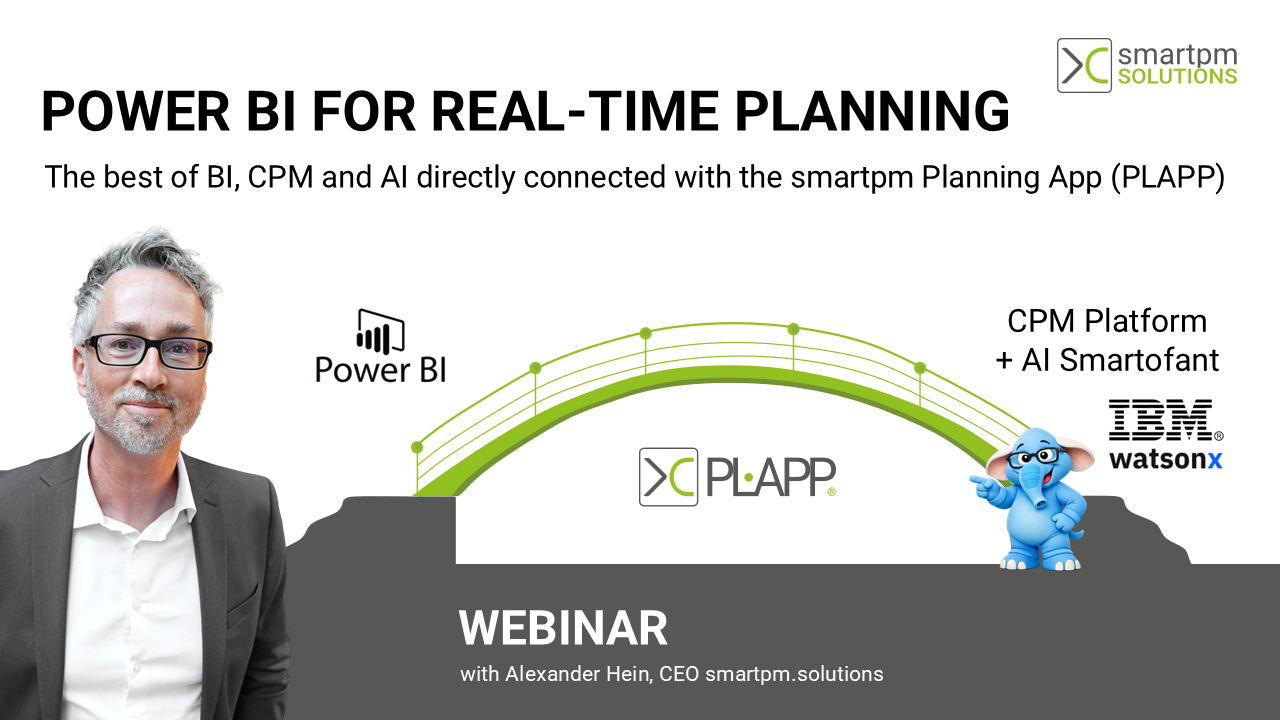
Plapp Bridge Power BI CPM EN

The smartpm Planning App (PLAPP) connects Microsoft Power BI and Microsoft Fabric with a high-performance, cube-based OLAP performance management platform. This brings together the best of both worlds: a familiar BI interface combined with scalable, AI-driven performance management software.

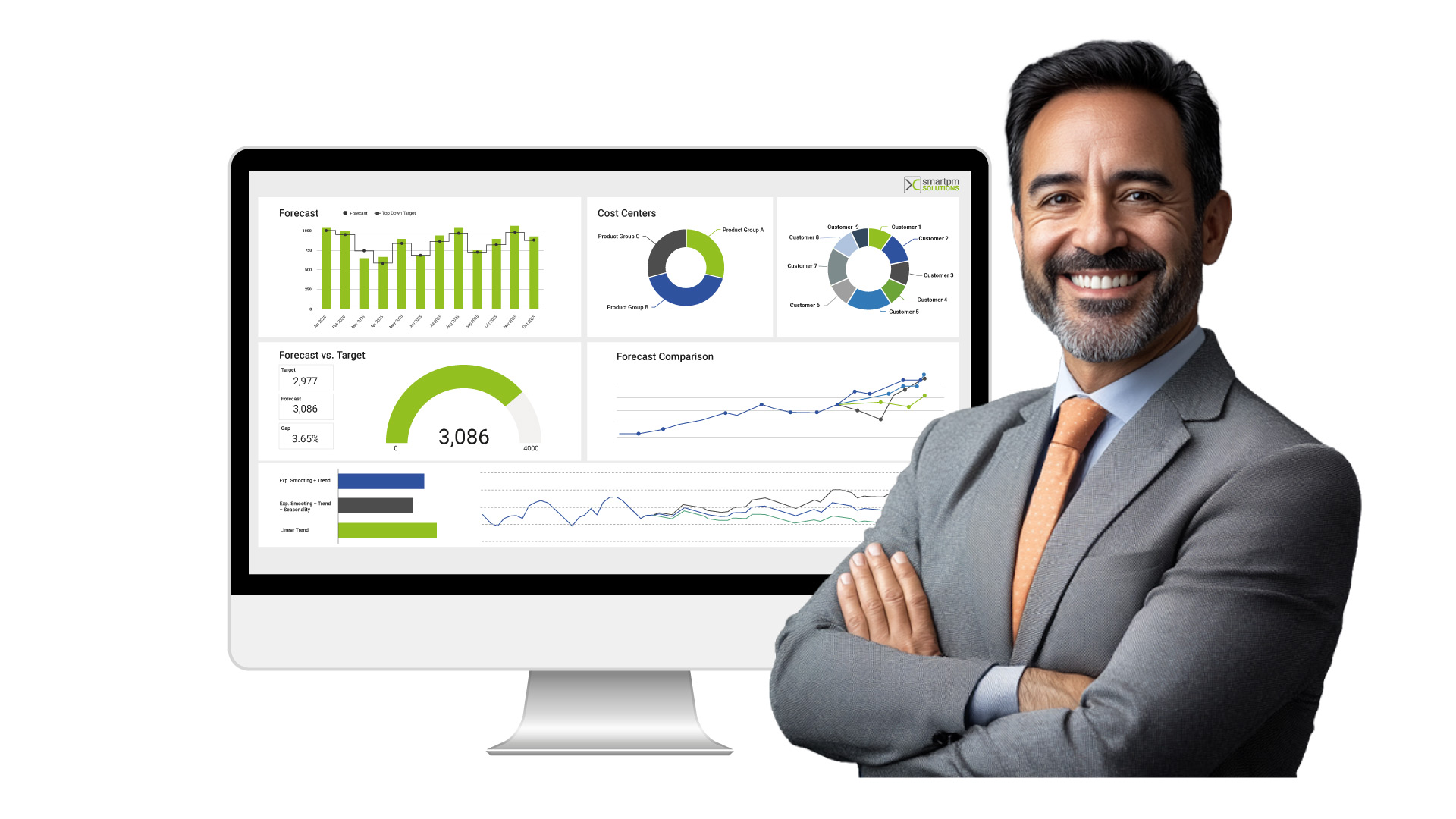
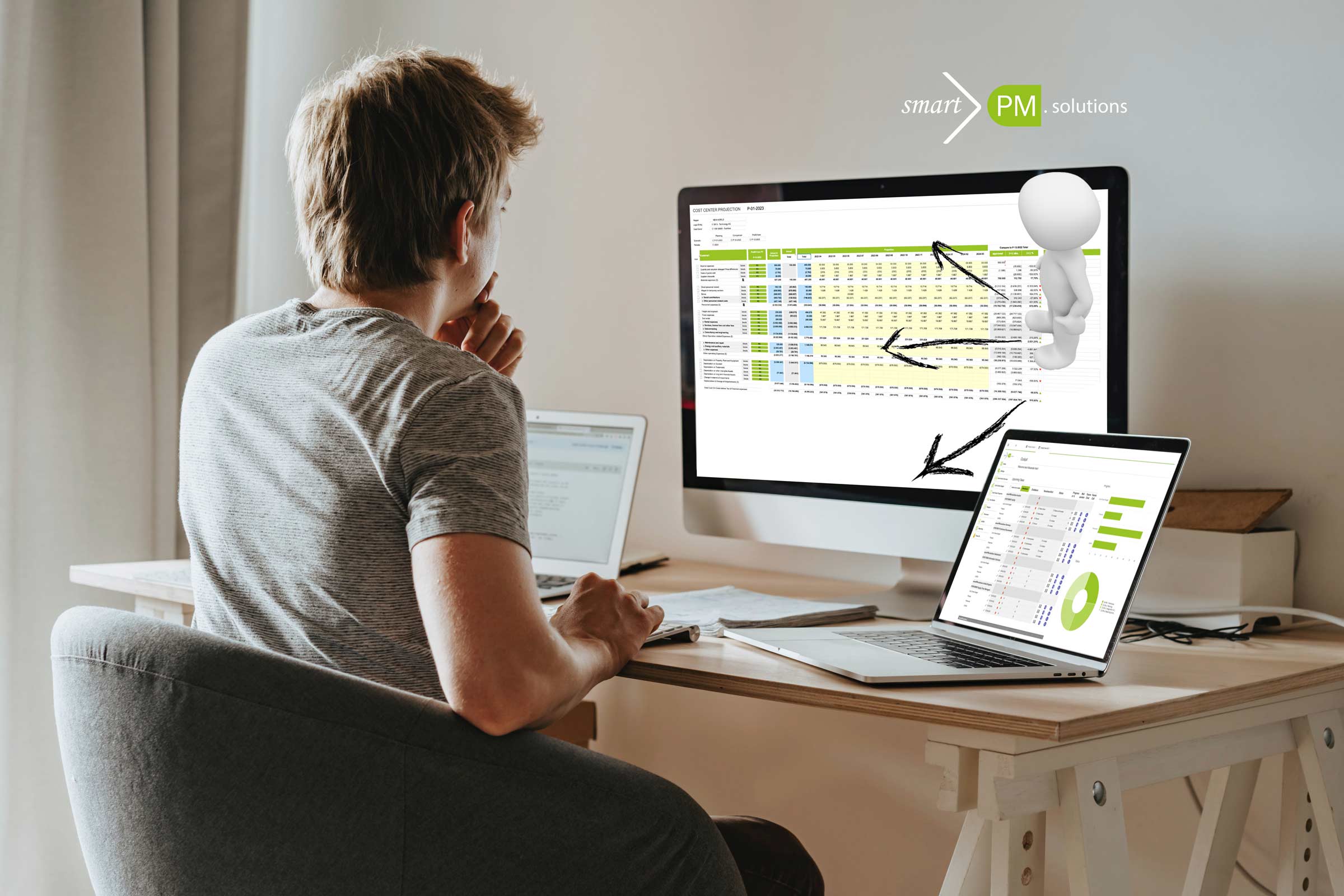
Users work directly within Microsoft Power BI, leveraging a fully integrated environment for business intelligence, planning, AI-powered analytics, forecasting, and reporting. From top-down planning, scenario analysis, and action tracking to rolling forecasts, predefined analysis paths, dashboards, and reporting templates: the smartpm Planning App enables location- and device-independent planning for CFOs, controllers, and business units.

Read more about Planning, Analysis & Reporting in Power BI in the Factsheet

Key topics covered in the factsheet:

  • How the smartpm Planning App turns Power BI into a full-fledged planning platform

  • Innovation: Direct, real-time access from Power BI to high-performance OLAP-based performance management technology – built for large data volumes and scalabilit

  • Any values you enter in the familiar Power BI interface are immediately available in the performance management system – with no detours, duplicate versions, or exports
  • All planning capabilities – including AI – in Power BI: scenarios, rolling forecasts, value drivers, and action performance management
  • A fully integrated system for financial planning, forecasting, analysis, reporting, and budgeting
  • Predefined planning content streamlines and simplifies planning with minimal implementation effort
  • Double win: High acceptance and satisfaction among both business departments and IT


Webinar Recording: Planning in Power BI

  • Using Microsoft Power BI as Planning Software
  • Practical Use Cases: Live demonstrations on how to achieve planning and budgeting goals with Power BI
  • Simple and governed planning approach with high user acceptance
  • High Performance: Bridging scalable IBM technology and the Power BI user interface
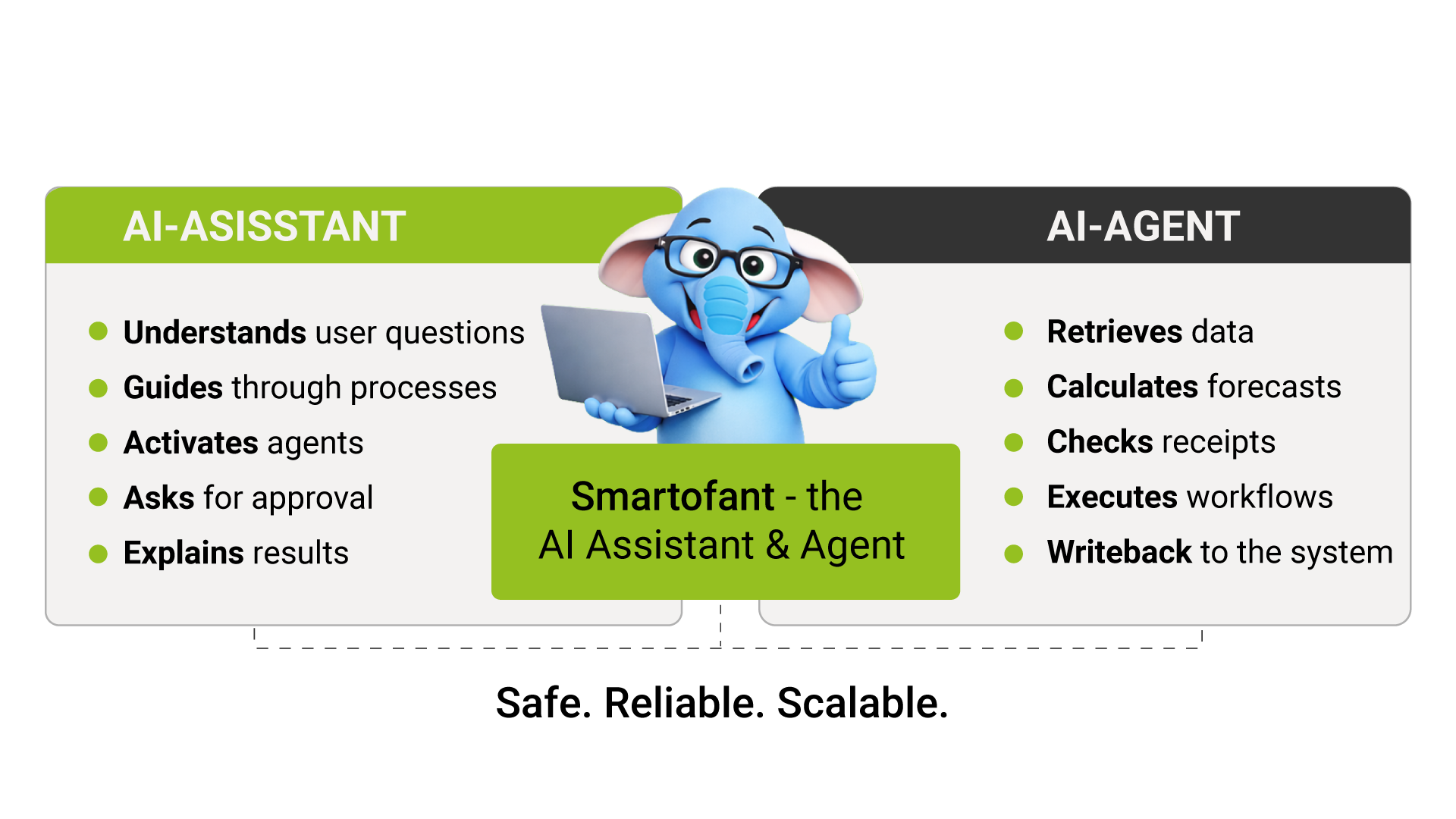
  • New developments: AI assistant for planning support

Explore more insights into planning, AI, and FP&A

Explore AI-driven planning to enhance accuracy, speed, and decision-making >>

What the Smartofant AI Assistant can do in practice >>

Learn more about integrated FP&A solutions and capabilities >>

“In a direct technology comparison and after thorough evaluation, OLAP technology combined with Power BI and smartpm’s planning solutions fully convinced our entire performance management team. It perfectly combines high performance, compelling visualizations, and deep functional expertise.”

Christian Graumann – Head of Strategic Performance Management

Learn More About Planning With Microsoft Power BI in a Free Professional Consultation
Useful smartpm Extensions and Features for Unit4 Users

Unit4 FP&A Users: The Power BI Connector for Data Analysis and Commenting from Power BI >>

Unit4 FP&A Users: The Power User Suite for Performance Analysis and Model Optimization >>

Visit our Knowledge Platform for more interesting content >>

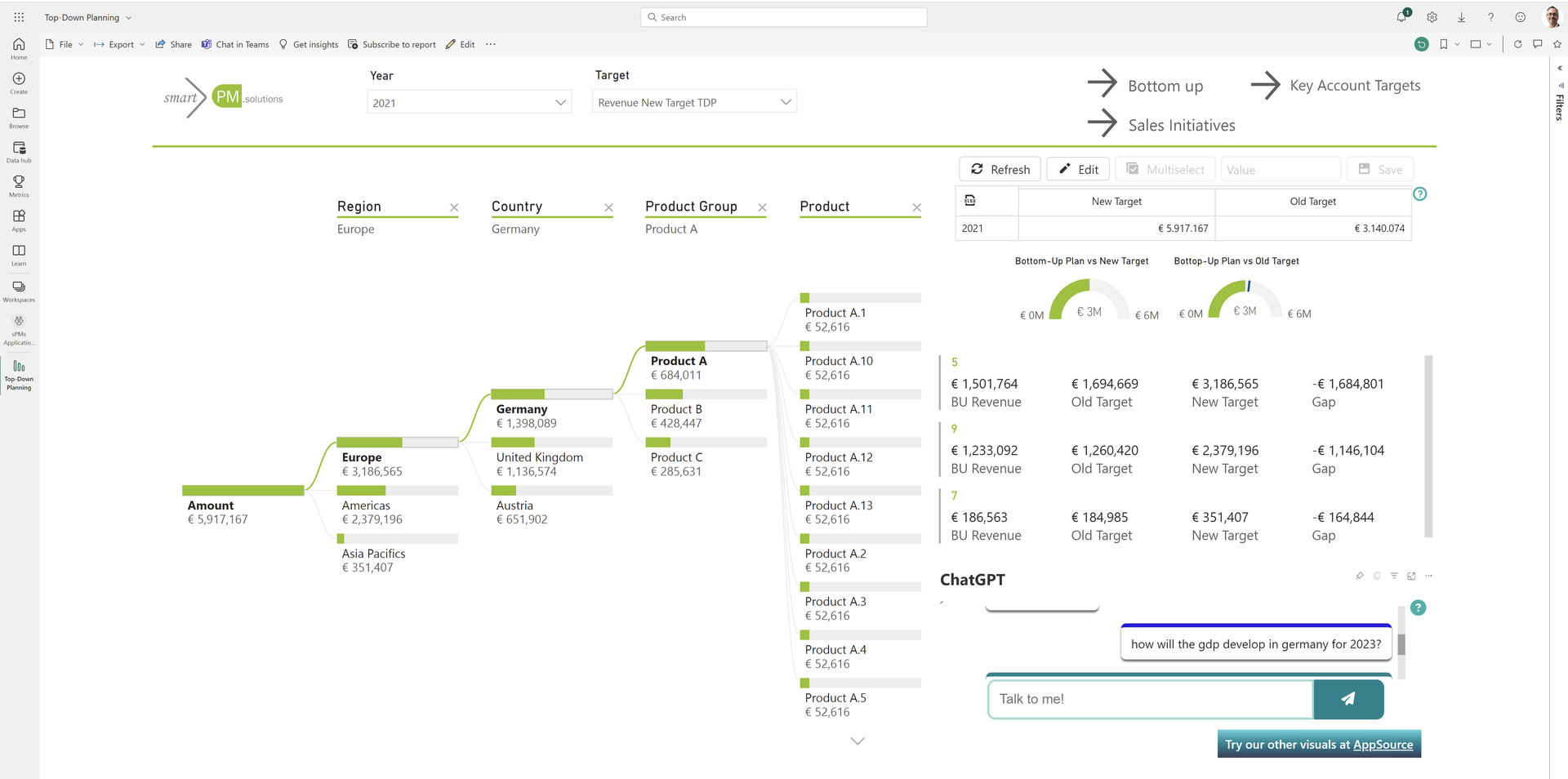
ChatGPT for Top Down Financial Planning

Which is the best Controlling or Planning Software?

How to select the best Performance Management and Financial Planning Software? Europe’s leading CPM analysts BARC provide a platform for software comparison at the “Digital Finance & Controlling” conference. Learn how to pick the best-fit CPM Software for your needs.
Keep reading »
Scroll to Top